CH 01 · THE CRAFT
Projection mapping onto moving objects: mesh warping and edge blending for a live show
- DISCIPLINEVideo
- HANDS OFF TOContent
- FAILS LATEYes
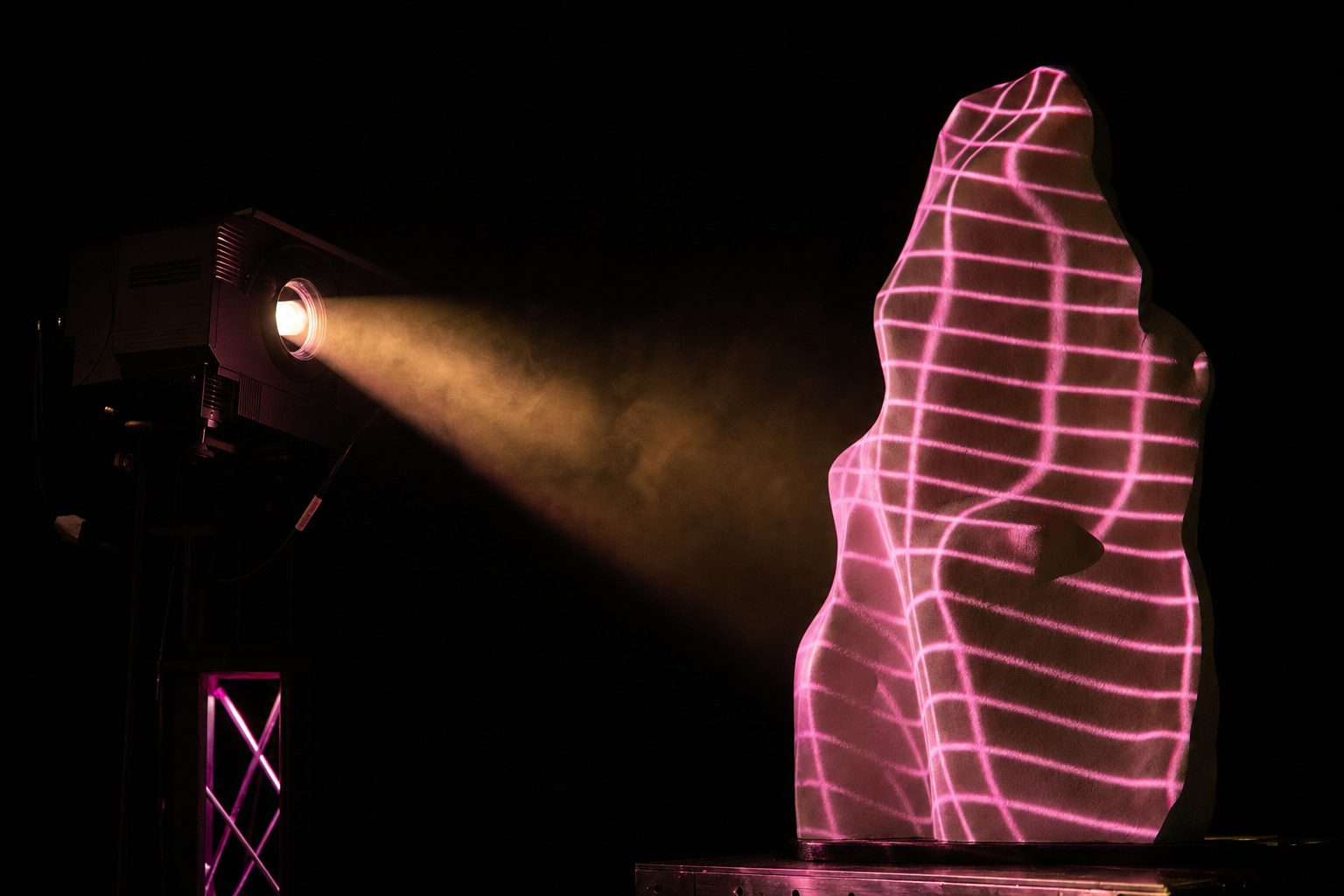
Projection mapping is the practice of making a projected image sit correctly on a surface that is not a flat screen, and, in a live show, on one that is very often moving. Everything difficult about it follows from that single fact.
How projection mapping works on a moving object is the question this page is built around, because moving objects are what separate a live show from an installation.
Projection mapping is often introduced as a trick, which does it a disservice. It is a geometry problem with an artistic surface: given a projector at a known position and a surface of known shape, work out what image to send so that the light arrives where it is meant to. On a flat screen square to the lens this is trivial. On the sort of object a live show actually contains (a faceted cube, a curved shell, a stack of scenic flats at angles to each other, a piece that flies in halfway through the set), it is the whole job.
The reason it dominates the video department's schedule is that it is one of the few disciplines where the artistic and the technical cannot be separated and handed to different people. The content has to be drawn for the geometry. Change the geometry and you change the content.
Mesh warping: pushing the picture onto the shape
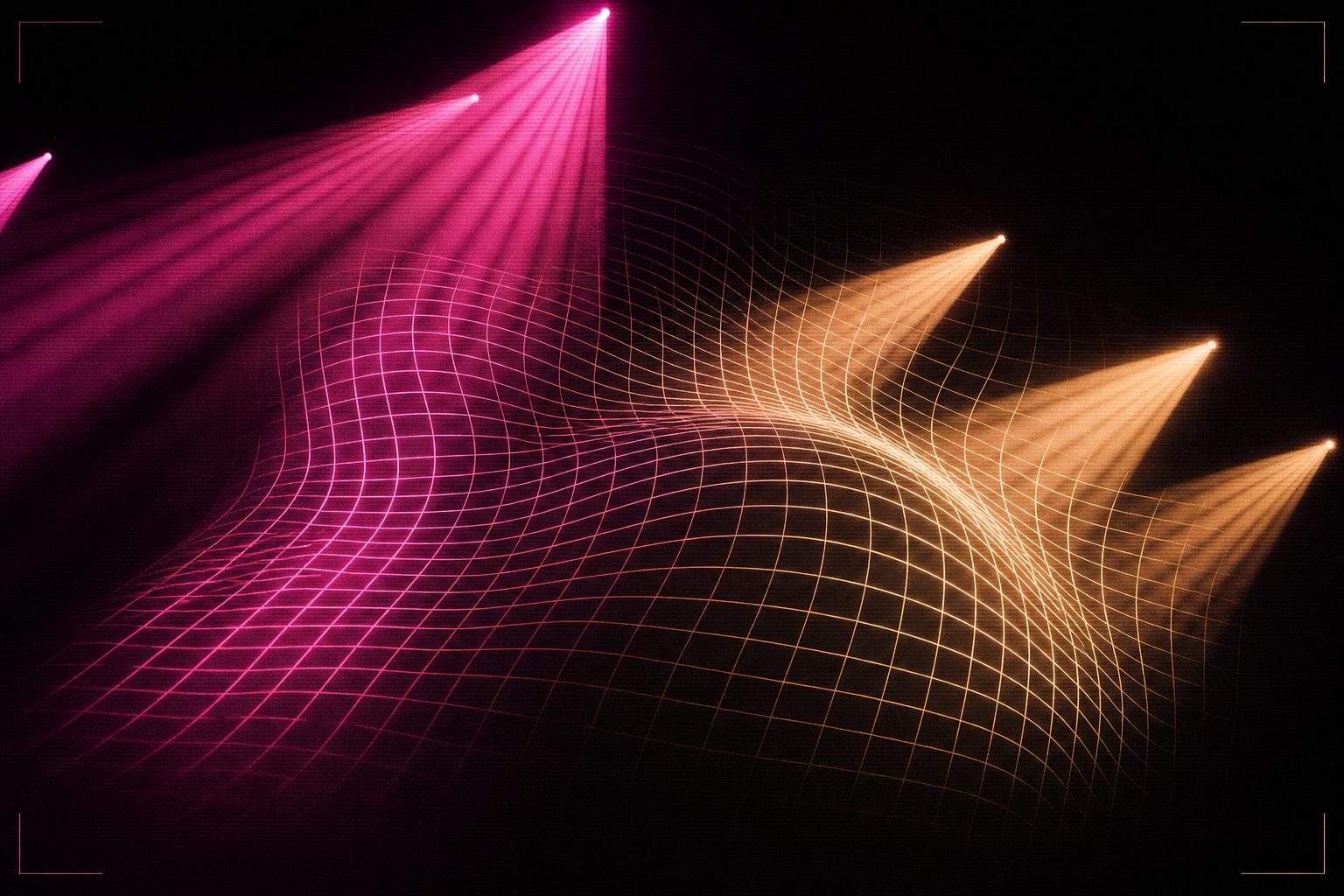
The basic operation is mesh warping. The output image is subdivided into a grid (commonly somewhere between 4×4 and 32×32 for a live rig) and each vertex of that grid can be dragged. Drag them until the projected test pattern lines up with the physical edges of the object, and you have a warp that will hold for as long as nothing moves.
Doing this by eye, on site, is still how a large share of shows are calibrated. It is slow and it is unglamorous: someone stands at front of house with a laptop while someone else calls out whether the line is on the edge yet. The alternative is to build the warp from a model, if the scenic drawing and the projector position are both accurate, the mesh can be calculated rather than discovered, and the on-site pass becomes a check rather than a build.
The practical limit on mesh density is not the software. It is that every vertex you add is a vertex somebody has to verify after the next load-in.
Edge blending across multiple projectors
A single projector rarely has the brightness or the coverage for a large surface, so shows stack them. Two projectors covering one wide surface overlap in the middle, and in that overlap the surface receives light from both, twice the brightness, in a band, straight down the picture.
Edge blending fixes this by ramping each projector's output to zero across the overlap region, so their sum stays constant. The ramp is not linear; it follows a gamma curve chosen to match the projectors' actual light output, and getting it wrong produces either a bright seam or a dark one. On a rig with four or six machines covering a wide scenic build, the blends are the part most likely to need attention on a show day.
The problem of moving objects in a live show
Everything above assumes the object holds still. In a live show it very often does not: pieces fly, track, rotate, or are pushed on by hand. Once the surface moves, a static warp is wrong the moment the move begins.
This is where the practical question sits. How projection mapping works on a moving object is decided long before showtime, by whether the movement is repeatable, and the two answers below are the only ones that survive a touring schedule.
Timecoded motion
The most reliable answer is to make the movement repeatable and put it on the same clock as everything else. If a piece flies in on a motor to a known position over a known duration, the warp can be animated along the same curve. It works because it removes the uncertainty rather than measuring it, and because the same timecode already drives the lighting and the content.
Tracked motion
Where movement cannot be made repeatable, the object can carry markers and a camera system can report its position, with the warp updating live. This is what makes free-moving projection mapping possible at all. It is also fragile: it needs sightlines the show may not want to give up, and it fails in exactly the smoke-filled conditions the rest of the picture depends on.
Content that forgives
The cheapest answer is often authorial. Content with soft edges, without hard registration to a physical corner, will tolerate several centimetres of drift before anybody notices. Content with a crisp graphic line running along the edge of a flat will not tolerate one. Designers who have been burned once tend to design for the tolerance they will actually get.
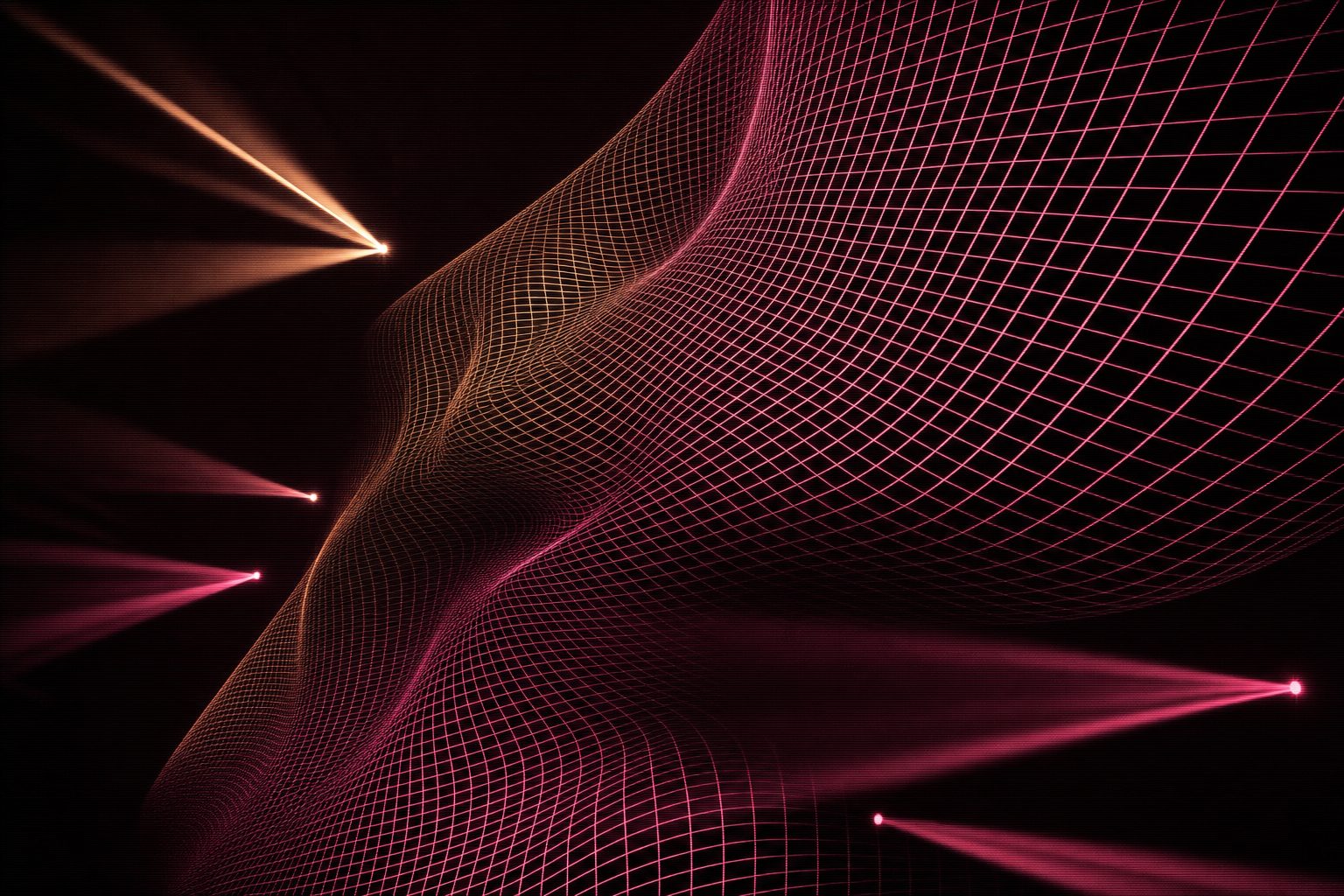
A mapped surface is only ever as good as its worst-lit region, and the worst region is almost always where the surface turns away from the lens. Grid density is the usual answer, and it has a ceiling: past a certain point more control points stop improving the fit and start making the warp impossible to adjust under time pressure.
The practical compromise is to spend points where the geometry actually changes and leave flat regions coarse. That is a judgement about the object rather than about the software, which is why an experienced mapper's grid looks uneven and a beginner's looks tidy.
What it hands over, and what it needs
Projection mapping sits between two other trades and is squeezed by both. Upstream, it needs stage architecture to freeze: the model, the positions, the motion paths. Downstream, it hands a defined canvas to the content team, and to whoever is running the picture live. In between, previs is what lets all three happen in parallel rather than in sequence, because it produces the geometry before the geometry physically exists.
The tools involved are covered separately: MadMapper for the warp and blend layer, Resolume where the same rig also has to run clips live, and Notch when the content itself needs to be generated in real time rather than played back.
Calibration is a daily cost, not a setup cost
The alignment achieved on the first day does not survive a truck. Panels settle, scenic pieces are re-flown a few millimetres out, a projector gets nudged during focus. Every mapped show therefore carries a re-calibration routine, and how long that routine takes is a design decision made months earlier.
Designs that survive routings share a habit: alignment references are built into the physical object (a hard edge, a corner, a marked point) so that recovering the map is a matter of matching known features rather than judging by eye. Designs that skip this are re-aligned by taste every day, differently each time. The tooling for it is under the dedicated mapping stage.
Where projection mapping appears in the archive
Three entries here are mapping problems of very different shapes. A closed cube with the performer inside it has no easy surface anywhere on it; a listed building has compound curves that have to be measured rather than invented; and a performance installation is deliberately hard-edged so that the map can be recovered quickly in a different room every night.
What this trade hands over, and what it is blocked by, is set out under the design sequence. Terms are defined in the glossary.
Questions
the things people ask about thisWhat is projection mapping in a live show context?
Projection mapping is aligning a projected image to the real geometry it lands on, so that the picture appears to belong to the object rather than to be thrown across it. In a live show the object is usually a scenic build, and it is frequently a moving one, which is why the technique is a discipline rather than a setting.
How does projection mapping handle moving objects?
Three ways, in increasing cost. The object can move on a repeatable, timecoded path, and the mesh warping can be animated to match it. It can carry markers that a camera tracks, and the warp updates live. Or the content itself can be authored so that small drift does not read, soft edges, no hard registration to a corner. Most touring rigs use the first, because it is the only one that survives a different venue every night.
What is mesh warping and why not just keystone?
Keystone corrects a single trapezoid: it assumes the surface is flat and the projector is off-axis. Mesh warping subdivides the image into a grid and lets each vertex move independently, so the picture can be pushed onto curves, folds and compound angles. Any surface more interesting than a wall needs the mesh.
When is edge blending needed?
Whenever two or more projectors overlap to cover one surface. Edge blending ramps the brightness of each projector down through the overlap so the seam does not read as a bright band. It is done in the media server or the projector itself, and it has to be re-checked after every rig because a millimetre of physical drift shows up as a visible line.
Why does projection mapping cost so much when it is done late?
Because content is authored against geometry. If the scenic build changes after the content is made, the mesh warping can absorb small differences, but a real change means re-authoring, and content is the slowest thing in the room. A projection mapping designer who gets the model two weeks early costs a fraction of one who gets it on site.